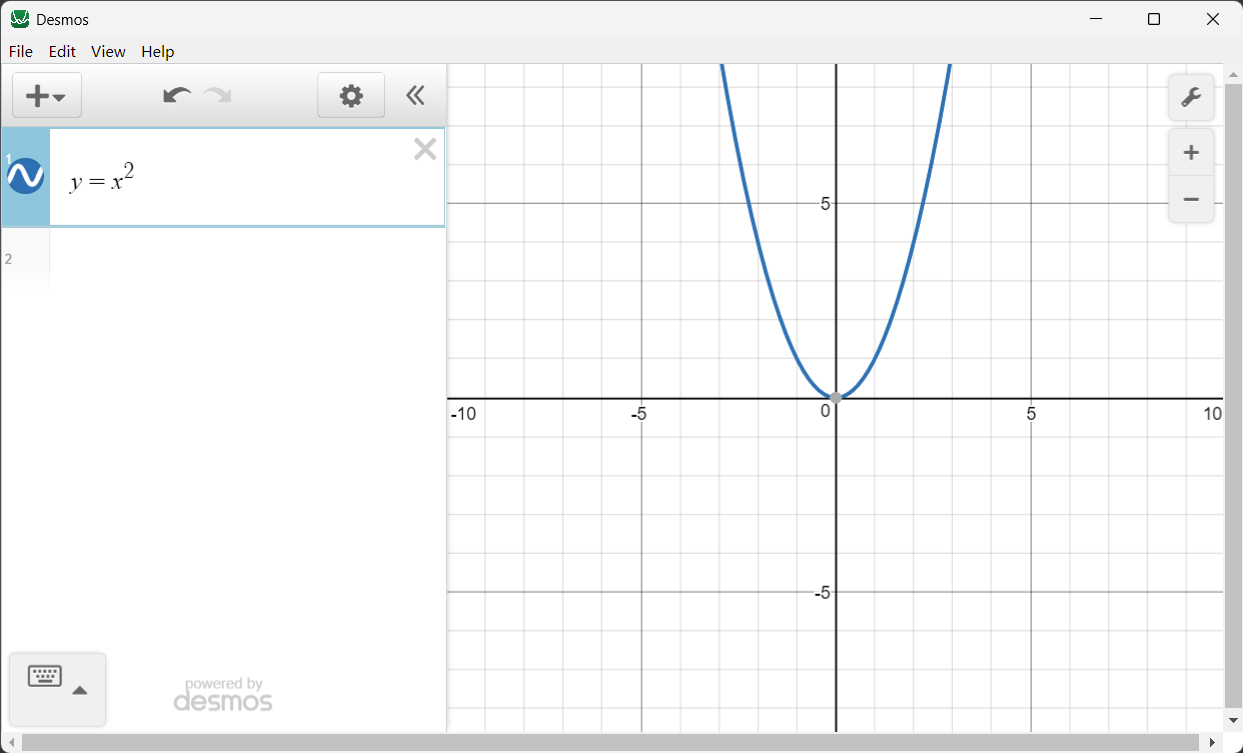
问题
Desmos是一款优秀的、免费的在线数学函数计算器。它基于JavaScript,有在线版和手机版。官方仅提供在线安装版本,没有提供离线桌面版。
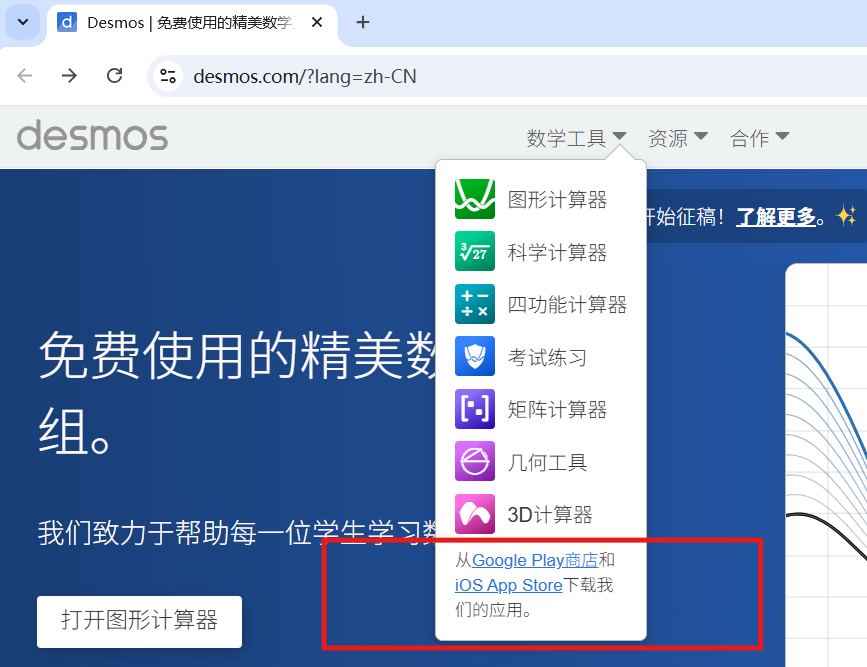
本文提供一种自行编译离线桌面版的方法。
环境
操作系统:Windows 11
支持Linux, Mac 和 Windows平台。
本文方法在Windows和Linux上验证过,Mac系统没有亲验。
准备
Node.js
编译需要使用npm工具,所以先安装Node.js,从Node.js官网选择Windows版本下载安装。
Desmos-Desktop
这是一个将Desmos封装为桌面版的项目,按照项目说明:“这里是一个基于Electron的简单的离线桌面版,可以离线绘制和保存以及输出截图。支持linux, Mac 和 Win平台。”
编译:
- snippet.bash
# Step 1. 下载Desmos-Desktop
git clone https://github.com/DingShizhe/Desmos-Desktop.git
cd Desmos-Desktop

# Step 2. 编译
npm.cmd install -d
npm.cmd run dist

# Step 3. 查看编译后的程序
cd dist
dir
Step 1.
在Windows环境中,如果使用git clone可能会报以下错误:
- snippet.bash
$ git clone https://github.com/DingShizhe/Desmos-Desktop.git
Cloning into 'Desmos-Desktop'...
remote: Enumerating objects: 141, done.
remote: Counting objects: 100% (3/3), done.
remote: Compressing objects: 100% (3/3), done.
remote: Total 141 (delta 0), reused 1 (delta 0), pack-reused 138 (from 1)
Receiving objects: 100% (141/141), 4.76 MiB | 5.96 MiB/s, done.
Resolving deltas: 100% (66/66), done.
error: invalid path 'examples/Mobius f(z)=(z-(1+i))|(z-(-1-i))  Elliptic&Hyperbolic Type.des'
fatal: unable to checkout working tree
warning: Clone succeeded, but checkout failed.
You can inspect what was checked out with 'git status'
and retry with 'git restore --source=HEAD :/'
是因为,部分文件名中有Windows环境不允许的字符。
因此,建议直接下载项目的zip包,然后解压缩:
https://github.com/DingShizhe/Desmos-Desktop/archive/refs/heads/master.zip
Step 2.
本步骤注意使用npm.cmd而不是npm,在Linux系统中可以直接使用npm命令。
npm.cmd install -d可能会因为网络问题导致安装失败,因为默认的npm源国内访问不稳定,建议尝试更换为国内npm源。
笔者尝试使用腾讯云成功。换源方法:
- snippet.bash
# 切换腾讯云镜像源
npm.cmd config set registry https://mirrors.cloud.tencent.com/npm

# 验证是否切换成功
npm.cmd config get registry
淘宝镜像源也可以:https://registry.npmmirror.com
npm.cmd install -d如果执行成功,可以看到类似以下的信息:
- snippet.bash
npm http fetch GET 200 https://mirrors.cloud.tencent.com/npm/update-notifier 312ms (cache revalidated)
npm info run electron@3.1.13 postinstall { code: 0, signal: null }

added 296 packages, removed 91 packages, changed 17 packages, and audited 314 packages in 49s

14 packages are looking for funding
  run `npm fund` for details

19 vulnerabilities (6 moderate, 9 high, 4 critical)

To address all issues (including breaking changes), run:
  npm audit fix --force

Run `npm audit` for details.
npm info ok
其中,“19 vulnerabilities”是说相关组件有漏洞,先忽略之。
Step 3.
编译后程序在当前目录的dist目录下,其中,
- desmos Setup 1.0.0.exe:是安装程序
- win-unpacked:是可以直接允许的程序。
运行效果